Advanced Certificate in Microsoft Excel Proficiency

About Course
Advanced Certificate in Microsoft Excel Proficiency
Course Overview
Becoming proficient in Excel requires a deep understanding of its formulae, functions, data analysis tools, and visualization techniques. Skilled users excel in formatting, conditional formatting, pivot tables, and macros, enabling efficient data manipulation and heightened productivity. Advanced practitioners harness VBA programming for automation, pushing Excel’s boundaries further. Mastery comes through dedicated practice and experimentation, unlocking Excel’s vast array of capabilities.
Course Curriculum
Module 1: Introduction to Microsoft Excel
Introduction to Microsoft Excel’s interface and layout.
Data entry techniques: Text, numbers, dates and formulas.
Formatting cells: Font, alignment, borders and cell styles.
Basic calculations: Sum, average, count and basic arithmetic.
Module 2: Mastering Formulas and Functions
Advanced formula techniques (nested functions, array formulas)
Lookup and reference functions (VLOOKUP, HLOOKUP, INDEX-MATCH)
Text functions (CONCATENATE, LEFT, RIGHT, MID)
Logical functions (IF, AND, OR)
Date and time functions
Statistical functions (SUMIF, COUNTIF, AVERAGEIF)
Error handling techniques
Module 3: Data Analysis Tools
Data validation
What-If Analysis tools (Goal Seek, Scenario Manager)
Advanced sorting and filtering
Subtotal and outlining features
Advanced data importing and exporting techniques
Data consolidation and linking multiple data sources
Module 4: Visualization Techniques
Advanced charting (combination charts, sparklines, trendlines)
Pivot charts and slicers
Conditional formatting for visual impact
Customizing chart elements and layouts
Dynamic charting techniques using named ranges and formulas
Module 5: Formatting and Conditional Formatting
Advanced cell formatting (styles, themes)
Custom number formats
Conditional formatting rules and techniques
Icon sets, data bars, and color scales
Managing conditional formatting rules
Module 6: Pivot Tables
Creating pivot tables from various data sources
Grouping and summarizing data in pivot tables
Calculated fields and items
Slicers and timelines for interactivity
Advanced pivot table techniques (GETPIVOTDATA, pivot table options)
Module 7: Macros and Automation
Introduction to VBA (Visual Basic for Applications)
Recording and editing macros
Assigning macros to buttons and shortcuts
Automation using VBA programming
Error handling and debugging VBA code
Module 8: Advanced Data Manipulation Techniques
Data cleansing and transformation
Power Query (Get & Transform) for data import and transformation
Advanced data analysis tools (Solver, Analysis ToolPak)
Working with large datasets efficiently
Data modeling and advanced spreadsheet techniques
Module 9: Final Project and Certification
Capstone project applying advanced Excel skills to solve real-world problems
Presentation of project findings
Evaluation and certification of Advanced Certificate in Microsoft Excel Proficiency.
Learning Outcomes:
By the end of the course, participants will be able to:
1.Navigate and utilize Microsoft Excel’s interface effectively.
2.Create and format spreadsheets with various data types.
3.Perform basic to advanced calculations using Excel functions and formulas.
4.Analyze data using charts, graphs and pivot tables.
5.Design professional reports and dashboards.
6.Automate tasks using macros and shortcuts.
7.Apply data validation and conditional formatting for accuracy.
Student Benefits:
- Excel Proficiency: Participants will gain proficiency in using Microsoft Excel for Various tasks.
- Data Analysis Skills: Students will develop skills to analyze and interpret data efficiency.
- Reporting Abilities: Participants will create visually appealing reports and charts for effective communication.
- Enhanced Productivity : Mastering Excel functions will streamline work processes and save time.
- Career Advancement: Excel Skills are highly values in many industries, leading to better job prospects.
- Data Management: Students will learn data organization techniques for better data management.
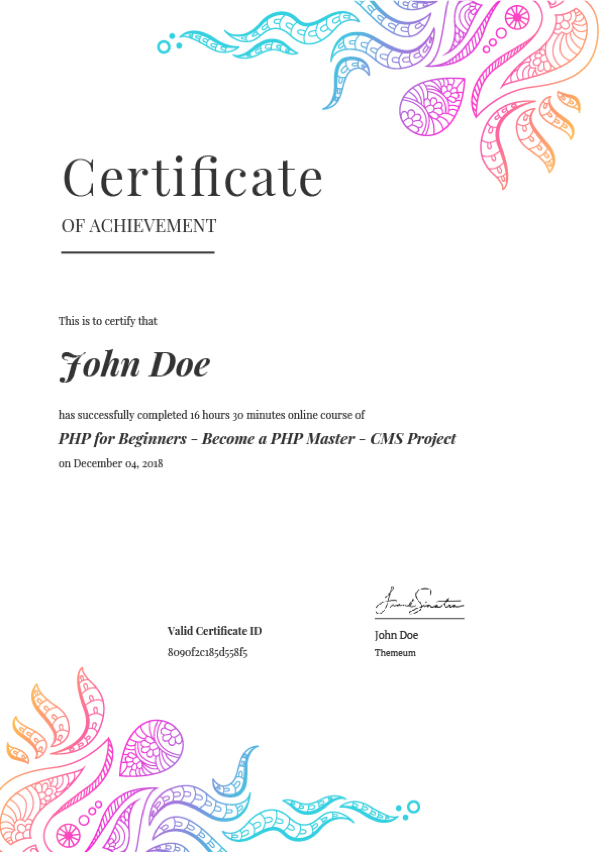
- Certificate: Participants will receive a certificate validating their excel skills.
Course Content
Introduction to Microsoft Excel
-
what is data, overview of data, types of data: Discussion part 1
39:05 -
what is data, overview of data, types of data: Discussion part 2
39:39 -
what is data, overview of data, types of data: Discussion part 3
39:28 -
what is data, overview of data, types of data: Discussion part 4
20:22
Earn a certificate
Add this certificate to your resume to demonstrate your skills & increase your chances of getting noticed.
Student Ratings & Reviews